

AI shorts editor
Every short you make in ViewGum opens in its editor: the player, a chat beside it and a timeline under it. Ask for a change in plain words and see what it costs before it runs, or make it yourself on the timeline for free. Then export one vertical MP4 for TikTok, Reels, Shorts and Facebook.

What does the editor look like?
The player sits in the middle with the chat beside it, and the short's rows run under it: its scenes, captions, voice, music and sound. Below is the editor itself on a real short about bananas, with one change asked in chat.
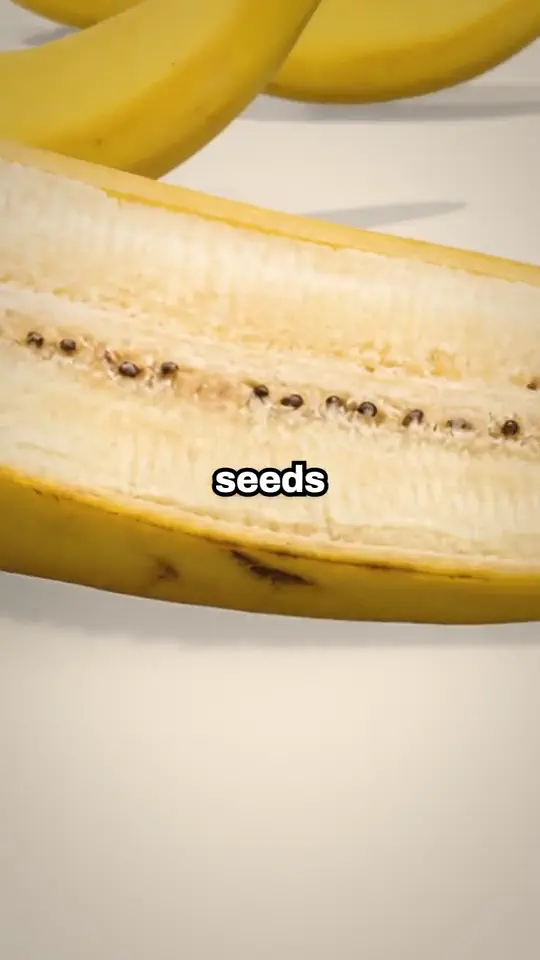
- You: Make a short on why your banana is a clone.
- ViewGum: Your short is ready. Tap a scene, or say what to change.
- You: Add a pop when it says seeds.
- ViewGum: Done. A pop now lands on seeds at 0:02.
How do chat edits work?
- Say what to change in plain words, about the whole short or about one line or scene you tapped.
- ViewGum reads the short and answers with a plan: each change it would make, and its price in credits.
- Nothing runs or is charged until you say go.
- If a change fails, the credits for the work it did not do come back on their own.
On a 3D short, a chat change makes one new take and you pick Keep edit or Keep current. The change is charged either way, so ask for what you want in one message.
What can you change by hand?
Changes you make on the timeline yourself are free and show at once. What a row lets you change depends on how the short was made: pick it and the editor says what it can do there, and what to ask in chat instead. Depending on the short, you can:
- Fix a caption's words or change how the captions look.
- Set the voice and music levels, or mute a row.
- Add a sound from the Library, move it, set its level or remove it.
- Put a text over the picture and set when it shows.
- Undo and redo, with a group of changes made together undone in one step.
What do you get when you export?
- Video
- 1080 x 1920 vertical MP4 (9:16) at 30 frames a second, with the captions in the picture
- Post copy
- A title, a caption and hashtags written for TikTok, Instagram Reels, YouTube Shorts and Facebook Reels, each on its own
- Where it goes
- You download it and post it yourself. One cut fits all four apps.
What can't the editor do yet?
- It edits shorts made in ViewGum. Uploading video, photos or sounds of your own is not open yet.
- It does not post for you. You get the MP4 and post copy for each app, then post it yourself.
- It does not cut clips from long recordings.
- It does not export horizontal or square video.
- It does not have a public REST API. AI assistants connect through its MCP server.
Questions
Can I edit an AI short after it is made?
Yes. A finished short opens in the editor with the chat beside the player and the timeline under it, ready to change before you export it.
Is editing free?
Changes you make by hand on the timeline are free. A change asked in chat shows its plan and its price in credits before it runs, and nothing is charged until you say go.
Can I edit a video I recorded?
Not yet. The editor works on shorts made in ViewGum, and uploading video of your own is not open.
Can ChatGPT or Claude edit my short?
Yes, once you connect ViewGum to an assistant that supports MCP. It reads the short's timeline, shows you the exact change and makes it after your yes. Those timeline edits are free.
Make a short, then make it yours
Type a topic and get a finished short, then change it in chat or on the timeline before you export it.
Start freeSign in with Google. New accounts get bonus credits to start.
Last updated November 10, 2026.